WordPress 7.1.4 shipped on October 28, 2026 with thirteen security fixes, and one of them matters more than the rest. For as long as the full-package core update has existed, WordPress unpacked the new release into a folder with a predictable name inside wp-content/upgrade/, which is served by the web server like everything else under wp-content. The unpacked copy includes the installer. An unauthenticated attacker who requests that installer in the seconds between extraction and cleanup can get code execution. Wordfence assigned it CVE-2026-119977 and scored it 8.1 High. WordPress's own advisory rates it Low. Both are looking at the same bug and disagreeing about how often the race can be won.
The affected range is every version from 4.7.0 through 7.1.3. Fixes were backported to all 25 supported branches, so 7.0.8, 6.9.11, 6.8.12 and so on down to 4.7.39 are all patched. Sites with background updates on have most likely already moved. Sites on 4.6 or earlier have no fix and should not be on the internet.
How the race works
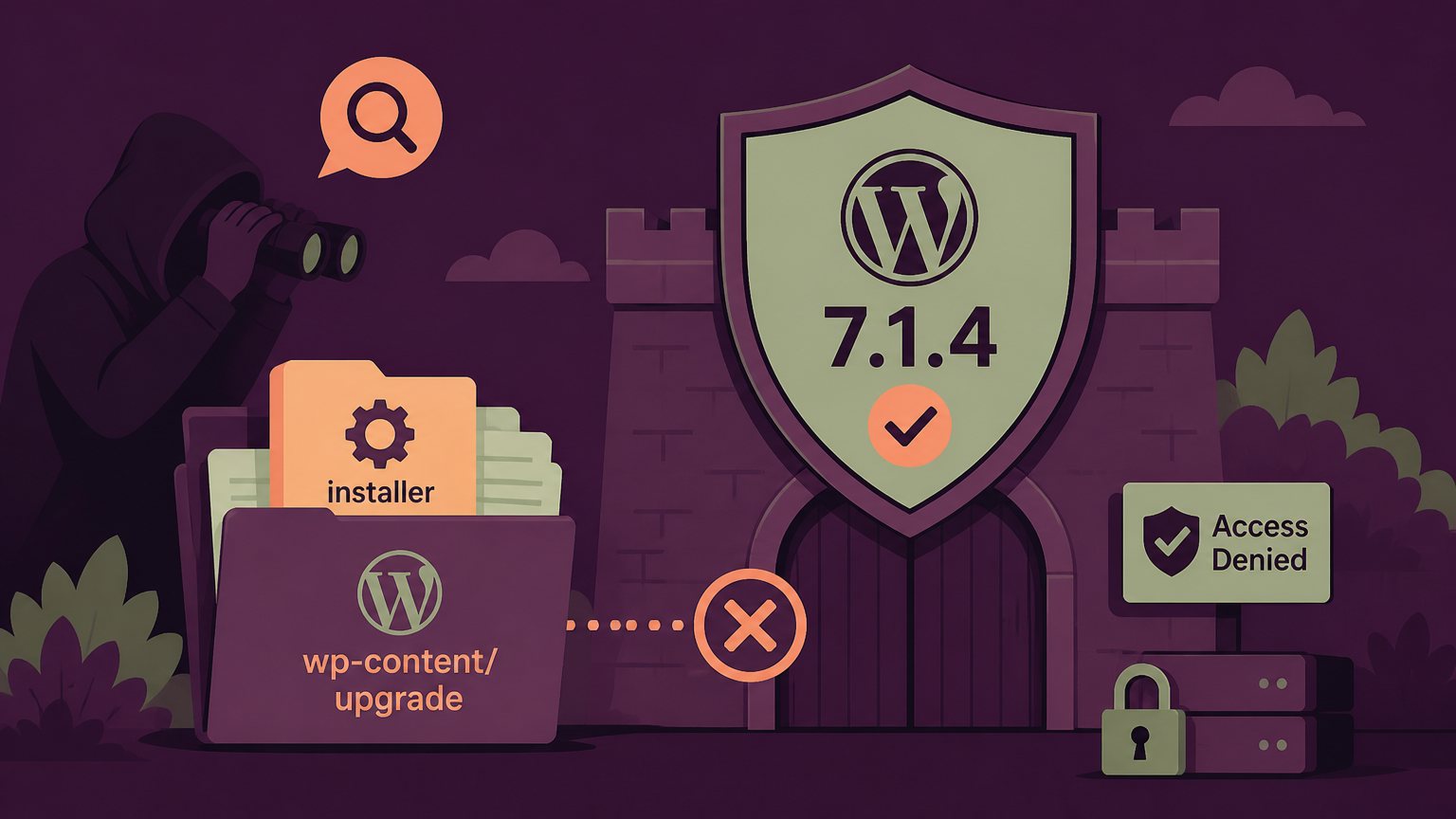
A full-package core update runs in four steps. WordPress downloads the zip, unpacks it into a working directory under wp-content/upgrade/, copies the files over the live install, then deletes the working directory. Before 7.1.4 the working directory was named after the package, so the staged copy landed at a path like wp-content/upgrade/wordpress-7.1.4/wordpress/. Anyone could guess it.
The staged copy is a complete WordPress tree with no wp-config.php next to it. That is the state the installer, wp-admin/setup-config.php, is written to handle. Requested directly over HTTP, it runs without loading the live site's configuration, which is also why a WordPress-level security plugin never sees the request. The installer's job is to take database details from a form and write a wp-config.php. An attacker who reaches it during the window can point it at a database they control and have it write that config into the working directory. The copy step then promotes the working directory over the real site. Patchstack and Wordfence describe the path to PHP execution in those terms; the exact chain after the installer runs has not been published, and nobody has released a working exploit as of this writing.
The window is short on a healthy site. Wordfence measured the directory as available for only seconds in its lab. Two things make it longer in practice. Updates that stall or fail can leave the working directory behind indefinitely, and attackers do not need to guess the timing if they just poll the known paths continuously. That is exactly what the scanning looks like.
What 7.1.4 changed
The fix is three small changes in class-wp-upgrader.php and update-core.php, and each one closes a separate part of the attack.
- The working directory name now has sixteen random characters appended, generated with
wp_generate_password(16, false). The staged copy is still web-served, but its path can no longer be guessed. - The upgrade folder gets an
index.phpcontaining only// Silence is golden., and the pre-update cleanup now preserves it. Without that file, a server with directory listings enabled would reveal the random name and undo the first fix. - The function that copies the staged files over the live install now skips
wp-config.php, alongsidewp-contentandversion.php. Even if an attacker wins the race and gets the installer to write a config into the working directory, it never reaches the site root.
That last change is the one that tells you what the attack chain was. Randomizing the name makes the race hard to enter. Refusing to copy a config file makes winning it useless.
Attackers are already looking
Wordfence pushed a firewall rule to paying customers on the evening of October 28 and saw the first matching request nine minutes later. In the first 21 hours it logged more than 18,500 requests aimed at staged installer paths, with repeated polling of small groups of sites. Rescana's timeline has the details. Those are attempts, not confirmed compromises. SecurityWeek reports that Wordfence has not seen a successful one, and the CVE is not in CISA's known exploited list. The scanners are also hitting old leftovers: a staging folder from a failed update years ago is exploitable with no race at all.
One wrinkle for anyone patching by hand. The update to 7.1.4 is itself performed by the old, vulnerable upgrader, so the predictable directory appears one last time during that upgrade. The window is seconds, and the scanning is random, so the risk is small. It is not zero, which is why the web server block below is worth putting in place before the update rather than after.
What to do
- Deny web access to
wp-content/upgrade/at the web server. On nginx, alocation ^~ /wp-content/upgrade/ { deny all; }block in the server config. On Apache, aRequire all deniedrule for that directory in the vhost or the site-root.htaccess. Do not put the rule in a file inside the upgrade folder, since the upgrader empties that folder before every update. WordPress itself never requests anything from that path over HTTP, so nothing breaks. - Update to 7.1.4 or the fixed release for your branch, then confirm with
wp core version. If background updates are disabled, find out why before turning them back on; a site that could not auto-update is the kind that leaves staging folders behind. - Look in
wp-content/upgrade/right now. It should containindex.phpand nothing else. Awordpress/,core/ortemp/directory, or any stray PHP file, means a past update failed and the site has been exposed since. - For sites that updated while unpatched, grep the access logs for requests under
/wp-content/upgrade/that returned 200 or 302 instead of 403 or 404. Then runwp core verify-checksums, check the administrator list for accounts nobody created, and look at scheduled cron events. - Make sure the web server is not producing directory listings anywhere under
wp-content. Theindex.phpguard assumes it does not have to do this job alone.
The severity argument between WordPress and Wordfence is worth a sentence. WordPress is right that the race is hard to win on a well-run site. Wordfence is right that attackers get to try as many times as they want, for free, against millions of sites, and that failed updates remove the race entirely. For a hosting operator the second view is the useful one. Block the directory, patch the fleet, and go find the sites that have been sitting on a leftover staging folder.