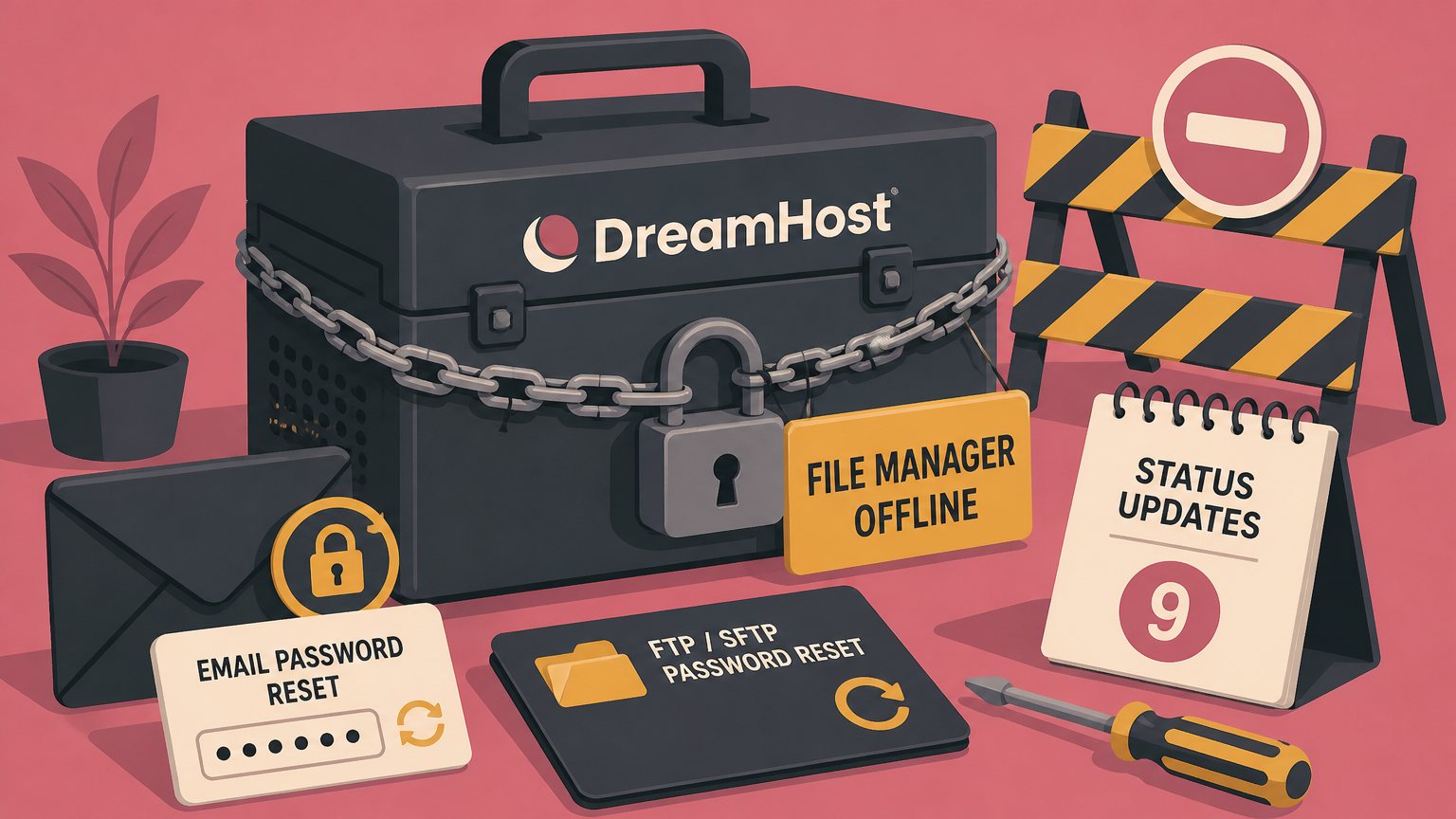
DreamHost has been resetting customer email and FTP/SFTP passwords since the evening of October 23, its web File Manager has been offline for three days, and the company has not said why. The status page calls it a "service disruption." It never uses the words breach, attacker, or security. It does repeat, in nearly every update, that DreamHost will never email you asking for your password.
I have run hosting infrastructure for 25 years. That combination of facts has one common reading, and DreamHost is leaving customers to do the reading themselves.
What the status page says, in order
The first update landed at 2:20 PM Pacific on October 23. Operations was "investigating connectivity issues affecting the File Manager interface." Three hours later the scope widened. The File Manager at files.dreamhost.com was offline, some webmail users had been signed out or were seeing login errors, and "some email account passwords were reset as a precaution."
At 10:13 PM the status moved to Identified. The issue now covered some FTP/SFTP access and webmail, and DreamHost was resetting passwords for some email and FTP/SFTP users. Affected users would get emails with instructions and were told not to change passwords before then.
Resets finished at 10:37 AM on October 24. Instruction emails went out in batches through the evening of October 25. The 9:32 PM update that night said every affected account holder had been emailed, affected mail and FTP users could not log in until their account owner set a new password, and the File Manager was still down.
That is the entire public record. Nine updates over 55 hours, and not one sentence about cause.
A connectivity problem does not reset passwords
Hosts reset passwords when they believe credentials were exposed. Nobody rotates thousands of customer secrets, generates a support backlog, and locks users out of their mail to fix a network issue. The resets are the tell. The word "precaution" is how you describe a reset when you know credentials passed through a compromised component but cannot yet prove which ones were taken.
Look at which credentials got reset. Email passwords and FTP/SFTP passwords. Not control panel passwords, and not database passwords. The common factor is that both kinds of credential are typed into a web application that runs on DreamHost's servers: webmail for the first, the File Manager for the second. A web file manager is an FTP or SFTP client that happens to live in a browser tab. When you log in, the plaintext password hits that application before anything else. If the application is compromised, the attacker gets passwords as they arrive, no hash cracking required.
On Hacker News, where the incident reached 151 points and 59 comments, a commenter going by duskwuff made the same inference and went one step further. They said the File Manager was an install of Monsta FTP, a commercial PHP file manager, and suspected it "got popped by one of the recently published PHP vulnerabilities, and users' FTP credentials may have been exfiltrated."
I can't confirm what software files.dreamhost.com runs. The host has been resetting connections since the 23rd, and DreamHost's documentation describes the file manager only as a panel feature that opens in a new tab. A customer of 20 years in the same thread asked DreamHost's support chatbot whether the PHP vulnerabilities were involved and was told no. A chatbot is not an incident report.
The timing is still what it is. PHP shipped emergency fixes for two unauthenticated remote code execution bugs, CVE-2026-109618 and CVE-2026-109619, on October 21. Amazon told PHP it had seen exploit attempts on October 17, four days before disclosure. DreamHost's first status update came on October 23. Two days from patch release to a PHP application going dark and credentials rotating is a coincidence a hosting operator should be able to rule out in a public sentence. DreamHost has not.
Monsta FTP's own record does not help the case for calm. VulnCheck disclosed CVE-2026-60105 on July 14, an unauthenticated server-side request forgery in versions before 2.14.5 that the vendor fixed without publishing an advisory. CVE-2025-34299, an unauthenticated file upload scored 9.8, covers versions 2.11 and earlier. Whether any of that applies here depends on what DreamHost was running, which is the fact DreamHost has not shared.
DreamHost did this better in 2012
In January 2012 an attacker got into one of DreamHost's database servers. The company reset every FTP and shell password, then reset panel, email, and billing passwords as a precaution even though those were not affected. CEO Simon Anderson wrote a post naming what was accessed, what wasn't, and that intrusion detection had caught it. The Register had the whole story within days, because DreamHost told it.
Fourteen years later the same company is rotating the same class of credentials and the communication is a status widget and a chatbot. One customer on Hacker News said it took DreamHost about 48 hours to notify them, that none of the email passwords the notice claimed were expired had stopped working, and that the same generic email arrived for a second account seven hours later.
Status pages were built to answer "is it up." They are the wrong tool for "were my credentials stolen." Every hour a host spends not saying what happened is an hour its customers spend not checking the things they should be checking.
What to check if you host there
Treat every email and FTP/SFTP password that existed on October 23 as known to someone else. Rotation by DreamHost handles the password itself. It does not handle what a person with that password may have done in the window before the reset.
- Set new mail and SFTP passwords yourself in the panel under Mail and under SFTP Users & Files. Do not wait for the email, and do not click a link in any email to do it.
- List files in every web root modified since October 23 and read any you did not change. An FTP credential is all it takes to drop a PHP file in a public directory.
- Check mail accounts for forwarding rules and filters you did not create. A forwarder is the quiet way to keep reading someone's mail after their password changes.
- If the same password was used anywhere else, change it there too. FTP passwords get reused more than any other credential I have seen in hosting.
For anyone running a hosting platform, the structural lesson is older than this incident. A shared web file manager is the single highest value target on the platform, because it sees plaintext credentials for every customer who uses it, and it is usually a third-party PHP application that someone installed years ago and nobody owns. Put it behind the panel session instead of a password prompt, run it per customer or per server rather than as one shared instance, and patch it the same day PHP does. Or drop it. SFTP clients are free and customers survived without a browser file manager for most of the history of the web.
DreamHost will either publish a postmortem that names the file manager and the exposure window, or it will let the status page roll to Resolved and move on. Nothing in 55 hours of updates reads like a company preparing the first option. I expect the second, and I expect the File Manager to come back running something else.